MASTERING PYCHARM
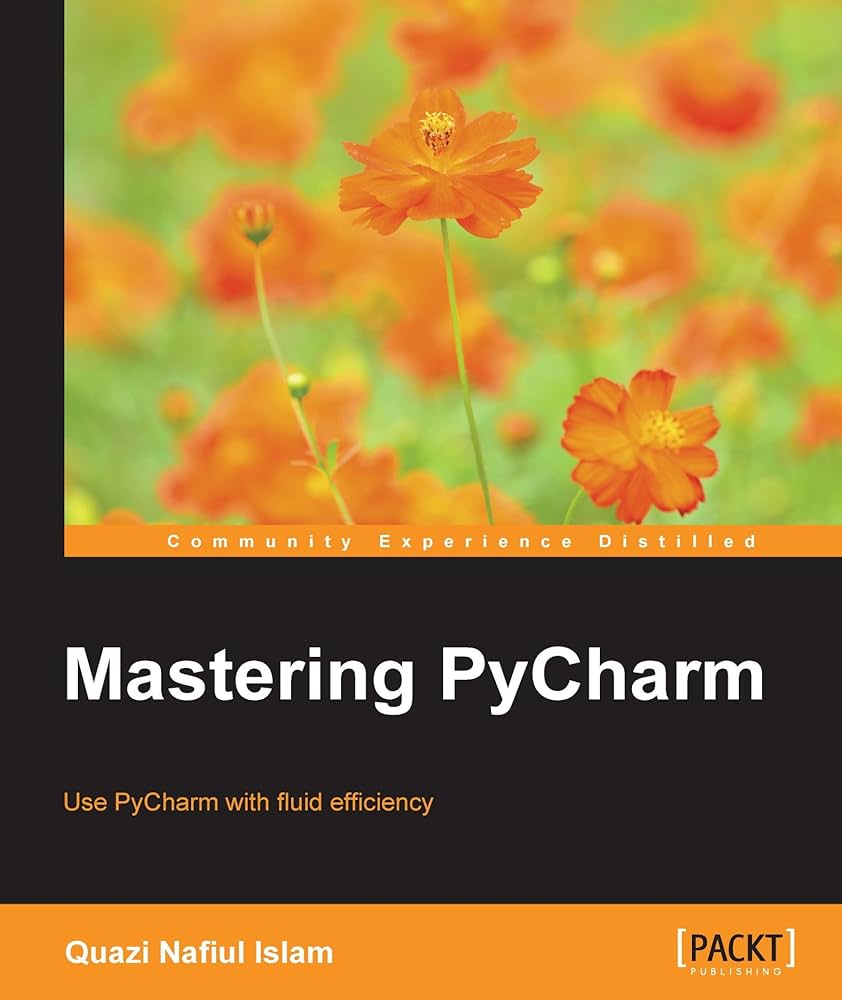
About This BookUnderstand how PyCharm works and how you can leverage its strength to develop applications quicklyMaster PyCharm’s editor to get a fast workflowFull of examples and illustrations that focus on the practical aspects of using PyCharmWho This Book Is ForIf you know PyCharm but want to understand it better and leverage its more powerful but less obvious tool set, this is the book for you. Serving as a launch pad for those who want to master PyCharm and completely harness its best features, it would be helpful if you were familiar with some of Python’s most prominent tools such as virtualenv and Python’s popular docstring formats such as reStructuredText and EpyType.
What You Will LearnUnderstand the internal workings of the IntelliJ PlatformLeverage PyCharm’s powerful search tools, and learn which ones are the best for you and your workflowCustomize PyCharm’s enhanced Python interpreter and its inbuilt terminalDevelop web applications quickly and easily with different frameworks such as Flask and DjangoUnderstand how code completion works in PyCharm for Python and JavaScriptIn DetailPyCharm is addictive, with powerful and configurable code completion, superb editing tools, top-notch support, diverse plugins, and a vibrant ecosystem to boot. Learning how PyCharm works and maximising the synergy of its powerful tools will help you to rapidly develop applications.
From leveraging the power of the editor to understanding PyCharm’s internals, this book will give you a comprehensive view of PyCharm and allow you to make your own choices about which workflow and tools are best for you.
You will start by getting comfortable with PyCharm and making it look exactly like you want. You can customize the tools and taskbars to suit individual developers’ coding styles. You also learn how to assign keyboard shortcuts. You will master debugging by inserting breakpoints, collecting runtime data, and debugging from the console. You will understand how PyCharm works underneath and how plugins such as Codemap, Vim, Bitbucket, Assets compressor, markdown, bash file, shortcut translator, and .gitignore leverage the power of the IntelliJ platform.
You will become comfortable using the VCS interface in PyCharm and see the benefits of using it for some simple tasks as well as some more complex tasks such as partial commits using changelists.
You will take an in-depth look at the various tools in PyCharm, improving your workflow drastically. Finally, you will deploy powerful PyCharm tools for Django, Flask, GAE, and Pyramid Development, becoming well acquainted with PyCharm’s toolset for web development with popular platforms.
Packed with insider tricks, this book will help you boost productivity with PyCharm.
Style and approachAn easy-to-follow guide with plenty of examples and screenshots. Each topic starts off with the goal of enhancing or changing a part of PyCharm to make it suit your needs.
DOWNLOAD
EFFECTIVE PYCHARM
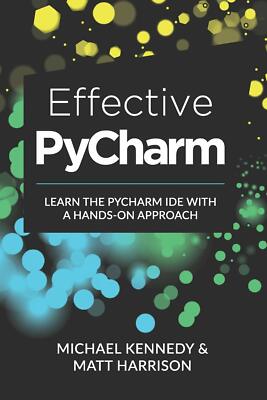
Hello and welcome to Effective PyCharm. In this book, we’re going to look at all the different features of one of the very best environments for interacting and creating Python code, PyCharm. PyCharm is an IDE (integrated development environment) and this book will teach you how you can make the most of this super powerful editor. The first thing we are going to talk about is why do we want to use an IDE in the first place? What value does a relatively heavyweight application like PyCharm bring and why would we want to use it? There are many features that make PyCharm valuable. However, let’s begin by talking about the various types of editors we can use and what the trade-offs are there. We’re going to start by focusing on creating new projects and working with all the files in them. You’ll see there’s a bunch of configuration switches we can set to be more effective. Then we’re going to jump right into what I would say is the star of the show–the editor. If you’re writing code, you need an editor. You will be writing a lot of code. This includes typing new text and manipulating existing text. The editor has to be awesome and aid you in these tasks. We’re going to focus on all the cool features that the PyCharm editor offers. We’ll see that source control in particular, Git and Subversion are deeply integrated into PyCharm. There are all sorts of powerful things we can do beyond git, including actual GitHub integration. We are going to focus on source control and the features right inside the IDE. PyCharm is great at refactoring. Refactoring code is changing our code to restructure it in a different way, to use a slightly different algorithm, while not actually changing the behavior of the code. There are many powerful techniques in PyCharm that you can use to do this. Because it understands all of your files at once, it can safely refactor. It will even refactor doc strings and other items that could be overlooked without a deep understanding of code structures. There is powerful database tooling in PyCharm. You can interact with most databases including SQLite, MySQL, and Postgres. You can edit the data, edit the schemes, run queries and more. Because PyCharm has a deep understanding of your code, there is even integration between your database schema and the Python text editor. Note that PyCharm has a free version and a professional version. The database features are only available in the professional version. PyCharm is excellent at building web applications using libraries like Django, Pyramid, or Flask. It also has a full JavaScript editor and environment so you can use TypeScript or CoffeeScript. We’ll look into both server-side and client-side features. PyCharm has a great visual debugger, and we are going to look at all the different features of it. You can use it to debug and understand your application. It has powerful breakpoint operations and data visualization that typically editors don’t have. Profiling is a common task if you want to understand how your code is running. If your application is slow and you want it to go faster, you shouldn’t guess where it is slow. PyCharm makes it easy to look at the code determine what it fast and slow, rather than relying on our intuition which may be flawed. PyCharm has some tremendous built-in visual types of tools for us to fundamentally understand the performance of our app. PyCharm has built-in test runners for pytest, unittest, and a number of Python testing frameworks. If you are doing any unit testing or integration testing, PyCharm will come to your aid. For example, one feature you can turn on is auto test execution. If you are changing certain parts of your code, PyCharm will automatically re-run the tests. There are a couple of additional tools that don’t really land in any of the above categories.
DOWNLOAD
BLACK HAT PYTHON
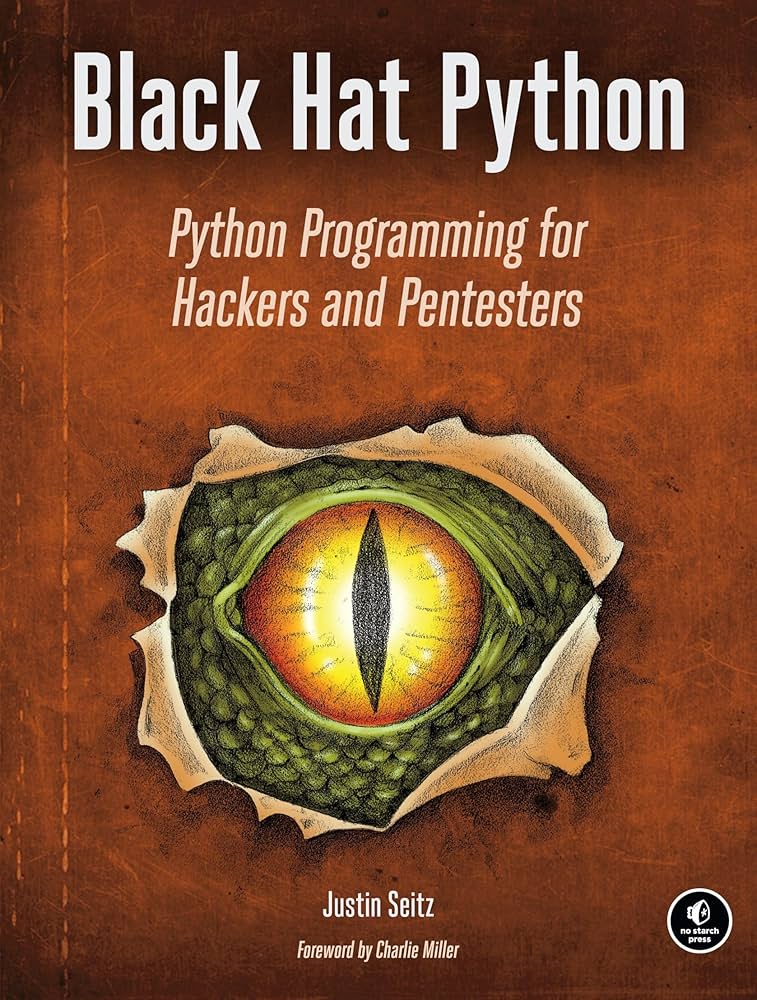
Black Hat Python: Python Programming for Hackers and Pentesters by Justin Seitz is a popular book that teaches Python for offensive security, covering topics like network sniffing, web application attacks, and malware creation, with a second edition updated for Python 3 that includes new strategies for modern hacking projects. It’s a key resource for learning how to use Python for penetration testing and ethical hacking, focusing on the “black hat” (malicious) side of programming for defensive purposes.
DOWNLOAD
PROGRAMMING PYTHON (4TH EDITION)
DOWNLOAD
PYTHON STANDARD LIBRARY
DOWNLOAD
WEB SCRAPING WITH PYTHON
If programming is magic, then web scraping is surely a form of wizardry. By writing a simple automated program, you can query web servers, request data, and parse it to extract the information you need. This thoroughly updated third edition not only introduces you to web scraping but also serves as a comprehensive guide to scraping almost every type of data from the modern web.
Part I focuses on web scraping mechanics: using Python to request information from a web server, performing basic handling of the server’s response, and interacting with sites in an automated fashion. Part II explores a variety of more specific tools and applications to fit any web scraping scenario you’re likely to encounter.
- Parse complicated HTML pages
- Develop crawlers with the Scrapy framework
- Learn methods to store the data you scrape
- Read and extract data from documents
- Clean and normalize badly formatted data
- Read and write natural languages
- Crawl through forms and logins
- Scrape JavaScript and crawl through APIs
- Use and write image-to-text software
- Avoid scraping traps and bot blockers
- Use scrapers to test your website